Everyone loves to make a WordPress website using Elementor Page Builder because this is the most resourceful, easy-to-use, and user-friendly page builder in WordPress. Using Elementor Page Builder, non-teachable people can also make the site.
But the problem is, using the Elementor free version, you can just make a simple static website. To make an advanced, creative, unique-style website using Elementor, you have to use the Pro version. Another problem is the Pro version price. Most of the people, especially those who learn WordPress and who start an experimental business, do not invest any money in a plugin without getting any return.
My recommendation is: buy the Elementor Page Builder PRO version. Trust me, it will be a great investment for your website design journey. The Pro version has 4 categories: Essential ($4.99/m), Advanced Solo ($6.99/m), Advanced ($8.25/m), and Expert ($16.99/m).
But for those who don’t want to invest any money at the beginning, they can easily get all the Elementor Pro version features, widgets, elements, settings, and options using just a very simple plugin.
PRO Elements:
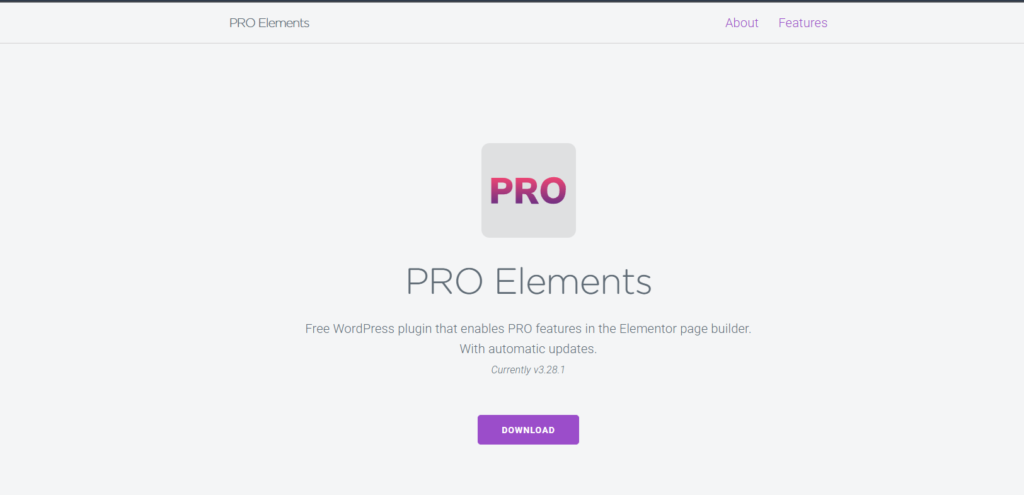
Pro Elements is a free WordPress plugin that enables PRO features in the Elementor Page Builder with automatic updates.
Pro Elements is a derivative work from the Elementor Pro WordPress plugin by Elementor Ltd.
Like the original, it is licensed under the GNU General Public License, version 3 (GPLv3).
But unlike the original, it is 100% free and does not require activation to use it.
You are free to use, modify, and redistribute it. In other words, you are free to use the essential freedoms granted under the terms of the GPLv3 license.
But remember, this plugin doesn’t have any warranty. But I have experienced using this plugin for the last several years for just testing purposes, and it’s awesome. Also, it’s updating regularly.
You can start with this PRO Elements, but in the future, my recommendation will be to buy the Pro version of the original Elementor Page Builder. Hope this article will help you. Thank you.